InLoox Account Settings
Since InLoox v11.0, the InLoox settings can only be accessed in InLoox Web App. Changes made in the InLoox settings are automatically applied to all InLoox Apps (InLoox for Outlook, InLoox for Windows, InLoox Web App).
Administrator permission required
To access the InLoox settings, you need administrator permissions for your InLoox account. Users without administrator permissions can only access the personal settings for notifications and the view mode of InLoox Web App.
How to access Account Settings
- In InLoox Web App, click on your profile picture in the upper-right corner.
- Click on Account Settings.
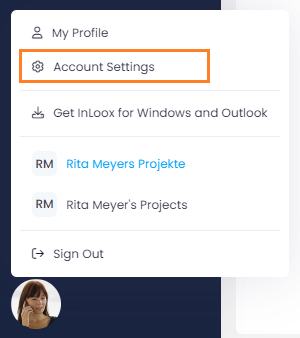
Now you can define the general settings for the entire InLoox account.