Create a New Contact
The Different Contact Types
In InLoox, there are two types of contacts, which differ in their origin and editing options:
InLoox Contacts
These are all contacts that:
- Have been created manually in the InLoox Web App, or
- Have been invited to the InLoox account via the invitation feature.
Editing: These contacts can be edited directly in the InLoox Web App (e.g., name, email address, permissions), provided you have the global user permission Edit People.
Microsoft 365 Contacts
These are contacts that are automatically integrated into InLoox through a connection with a Microsoft 365 business account.
- Synchronization occurs automatically once a Microsoft 365 business account is connected to InLoox.
- These contacts originate from your organization's Azure Active Directory.
- When you show the column Contact synchronized, an icon will be displayed for these contacts.
Editing: These contacts are read-only in InLoox. Changes (e.g., name, email) must be made in Azure Active Directory — not in the InLoox Web App.
Create a New Contact
To create new contacts in People in InLoox Web App, you must have the global user permission Edit People. If you do not have this permission, you can view all contacts but only edit your own entry. Please contact your InLoox account administrator to have this permission activated for you.
To create a new contact, click New contact.

The New Contact dialog box opens, where you can store all relevant details such as personal information, contact data like the address, or other data like the website. In addition, you can see the person's work capacities in the Workload tab, if this person has taken on tasks with workload.
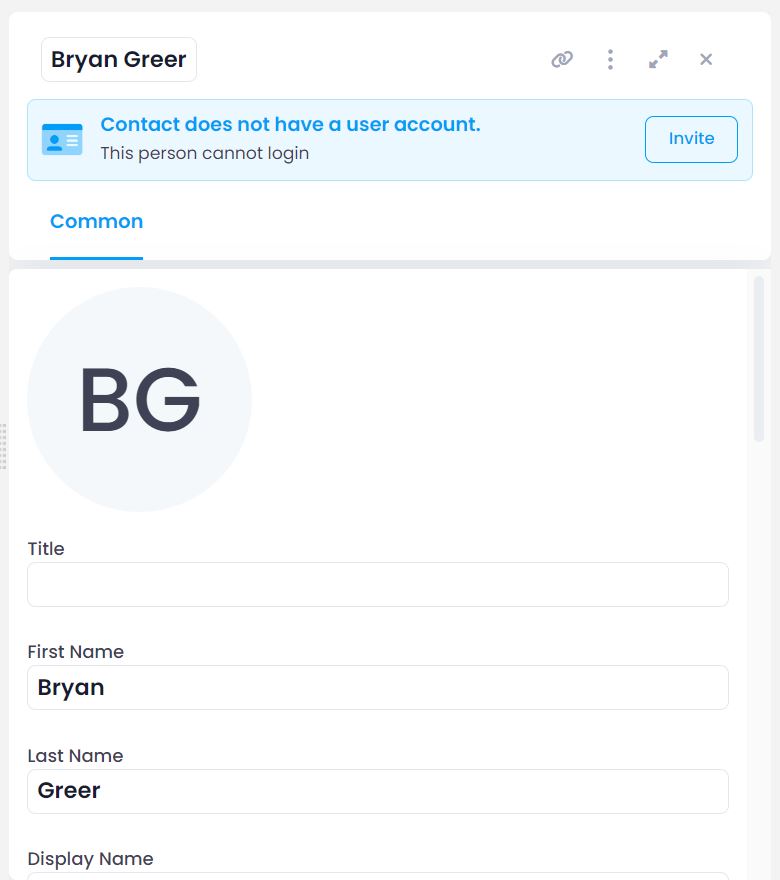
These manually created contacts do not have usage or read permissions for your InLoox Web App account. To grant access, you need to purchase additional usage licenses for your InLoox Web App account and invite the desired people to your account.